
The first register
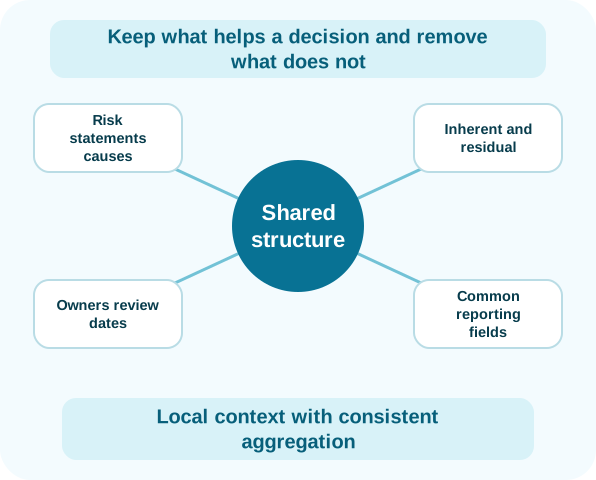
Keep what helps a decision and remove what does not
A spreadsheet register often accumulates fields because someone once needed them for a report. During migration, the useful starting point is the current risk statement, causes, consequences, owner, assessment, appetite position, review date and related treatment.
The platform retains team-specific fields and access rules while common categories and ratings support comparison. Qualifying SaaS implementations can include complimentary migration of existing registers.
- Risk statements, causes and consequences
- Inherent and residual assessment
- Owners, review dates and appetite status
- Common reporting fields
One risk through its lifecycle
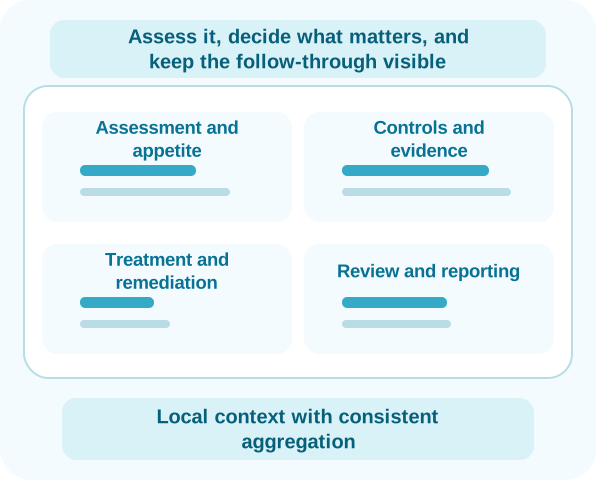
Assess it, decide what matters, and keep the follow-through visible
A business owner reviews a service disruption risk and changes the impact assessment. The control owner adds current evidence, and the residual exposure now sits outside appetite. The treatment decision creates an action with an accountable owner and due date.
At the next review, the risk team can see the assessment history, control context, open action and decision record together. Management reporting uses the same information rather than another copied summary.
- Assessment and appetite
- Controls and evidence
- Treatment and remediation
- Review and reporting
Several registers, one picture
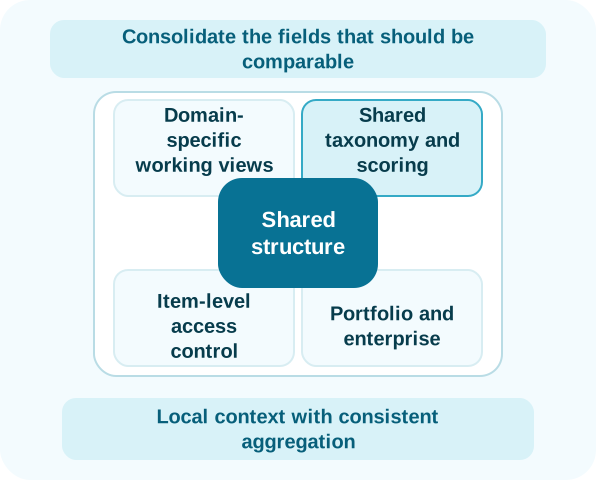
Consolidate the fields that should be comparable
Enterprise, IT, cyber and operational teams can maintain registers suited to their work. Shared taxonomy, scoring and ownership fields let the risk function combine the information that leadership actually needs.
Item-level permissions protect sensitive records through roles, groups and specific users. An enterprise view does not require every user to see every underlying item.
- Domain-specific working views
- Shared taxonomy and scoring
- Item-level access control
- Portfolio and enterprise reporting
Questions answered
Frequently asked questions
Can Parapet import our spreadsheet registers?
Yes. Complimentary migration of existing risk registers is available for qualifying SaaS implementations.
Can different teams use different registers?
Yes. Teams can retain separate working views and access while the risk function consolidates common information.
Are archived risks charged?
No. Archived and inactive items are not charged unless used for reporting or reactivated in that month.